How do I play?
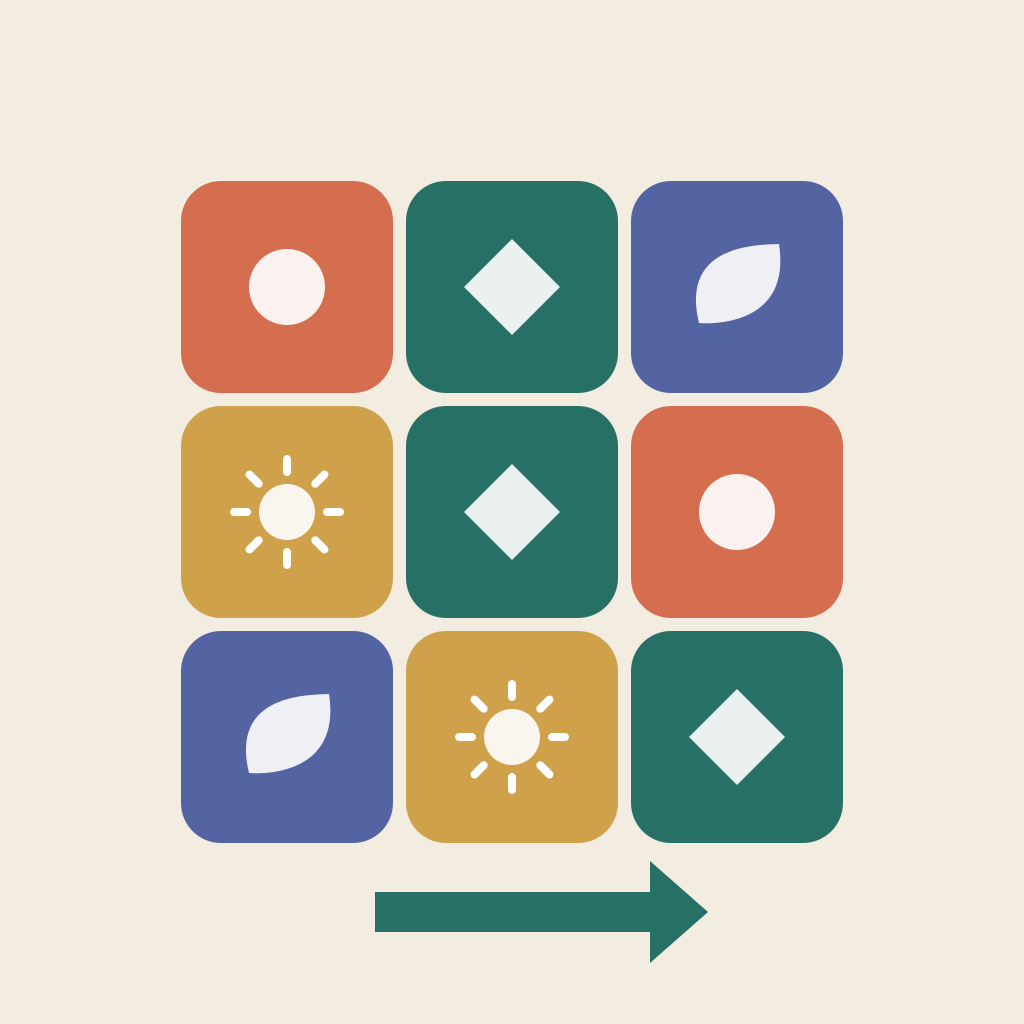
Use the arrows next to the board to shift a row or column. The tile at an edge wraps to the other side. After the first four Garden puzzles, a second board joins in. Watch its connection rule and match both small target grids. Tap a target to enlarge it.
What is free?
The free download includes all 24 Garden puzzles and the daily puzzle. Undo and walkthroughs do not require a purchase. Nightfall and Crosswind are optional, one-time campaign purchases with 24 puzzles each; Both Chapters includes both packs. There are no subscriptions or advertisements. Prices appear in your App Store currency when products are available.
A puzzle is difficult. What can I do?
Undo the last move, restart the attempt, or open a walkthrough. A walkthrough starts from the initial board after confirmation and is marked assisted. It does not set an unassisted best result. Restarting keeps your previous completed results.
How do I restore a purchase?
Use the Apple Account that bought the pack, connect to the internet, and select Restore Purchases in Settings & privacy. Restoring a pack restores access, not puzzle progress from another device. If prices cannot load, wait and retry before purchasing. For payment or refund requests, use Apple's purchase support.
Where is progress saved?
Puzzles, attempts, and results are saved on this device. There is no MotifSlide account or automatic progress sync between devices. Deleting the app may delete your progress. Device backups are managed by the operating system. If saving fails, free some storage and use Retry saving; do not delete the app as a first troubleshooting step.
How does the daily puzzle work?
It follows your device's local calendar date. There is no timer or streak penalty. English and Korean are available in the app, and tile shapes help distinguish pieces as well as color.